Size S
€3.69a month
- RAM
- 2 GB
- vCPU
- 2
- SSD
- 25 GB
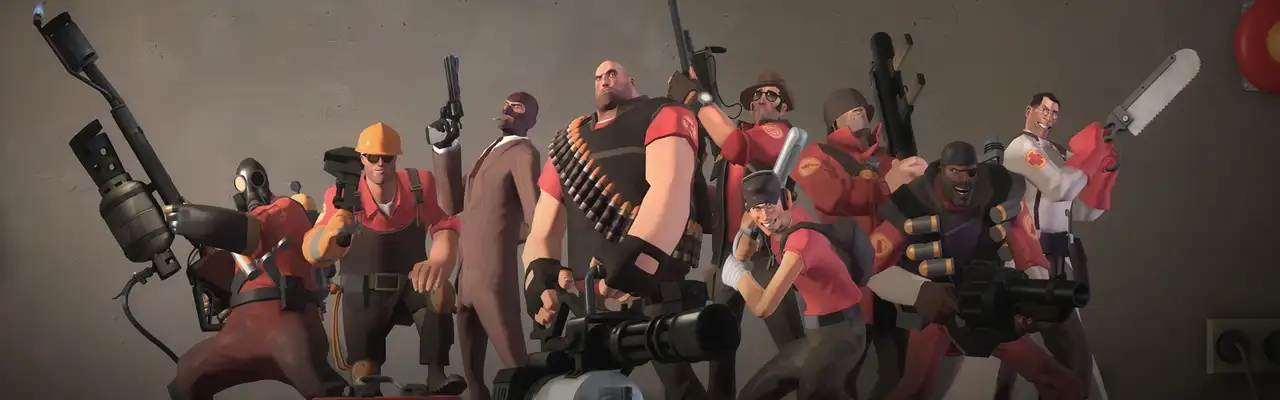
Three fixed sizes, from €3.69 a month. This server is still being prepared, you'll be able to order it soon.
Class-based shooter, free to playComing soon
Team Fortress 2 can't be ordered yet. The sizes are starting values and may still change before launch.
€3.69a month
€7.29a month
€10.89a month
Final prices per month · Ordering opens soon
We don't have a backed player guide for Team Fortress 2 yet. How many can play depends on mods, world and play style. The price follows memory, not player count.
For Team Fortress 2 you need your own Game Server Login Token. Without one, Valve keeps the server off the internet.
Valve sets conditions for the account that creates tokens. The current ones are listed on that page.
The console runs in your browser, and you edit files there or over SFTP. Values such as player count or world name are fields, depending on the game.
Yes. For a server that's reachable on the internet, Valve requires a Game Server Login Token (GSLT) from your Steam account.
As .bsp files in the tf/maps folder. Players download missing maps from the server when they join.
 SCP: Secret Laboratoryfrom €5.49
 Wreckfestfrom €3.69
 Insurgency: Sandstormfrom €5.49
 Killing Floor 2from €3.69
 Mordhaufrom €5.49
 Black Mesafrom €3.69
Team Fortress 2 © Valve. Buffnode is not affiliated with, endorsed by, or sponsored by the company. You need to own the game separately.